ONE APP. ALL THE USEFUL DETAILS.
From the first word
to the next good idea.
Real tools for everyday work — from a quick sentence to a well-prepared meeting.
On-device dictation
Say it. Keep moving.
Record with your shortcut and let local Parakeet turn speech into text. A sound-responsive recorder, automatic insertion, optional clipboard copy and filler cleanup keep it flowing. Basic dictation works offline after the model download.
 View in the app ↗
AI Edit & writing styles
Your words, your way.
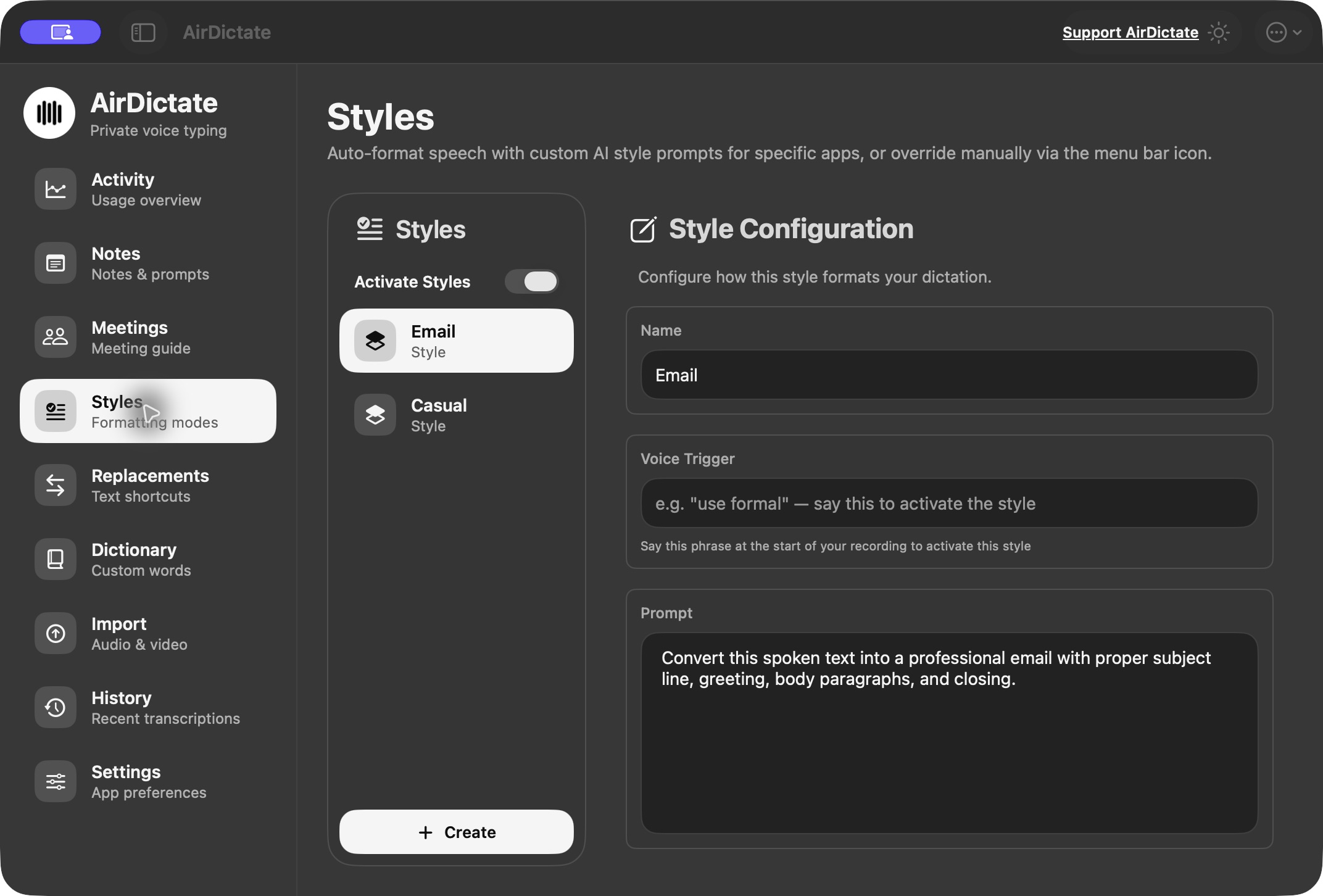
Select text and speak a rewrite instruction. Build custom formatting prompts, trigger styles by voice, or match them to an app or website. Test your style before using it. Optional AI features use your own OpenAI key.
 View in the app ↗
Notes & voice snippets
Keep a good thought close.
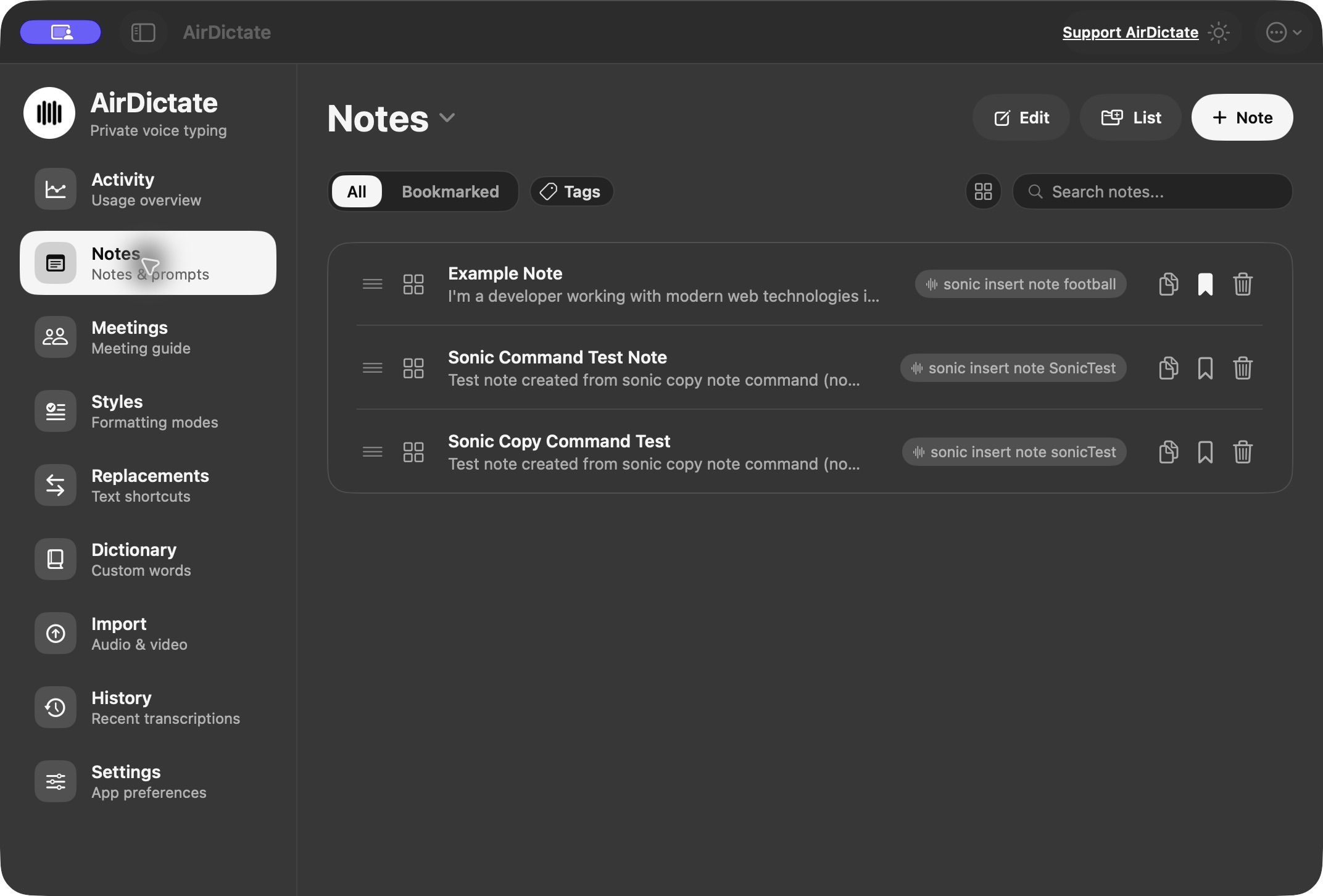
Create and edit notes, organise lists, add tags and bookmarks, and find things with search. Switch between rows and cards. Preview Markdown, optionally enhance text with AI, and use voice commands to create, copy or insert saved notes.
 View in the app ↗
Meeting workspace
Prepare a better conversation.
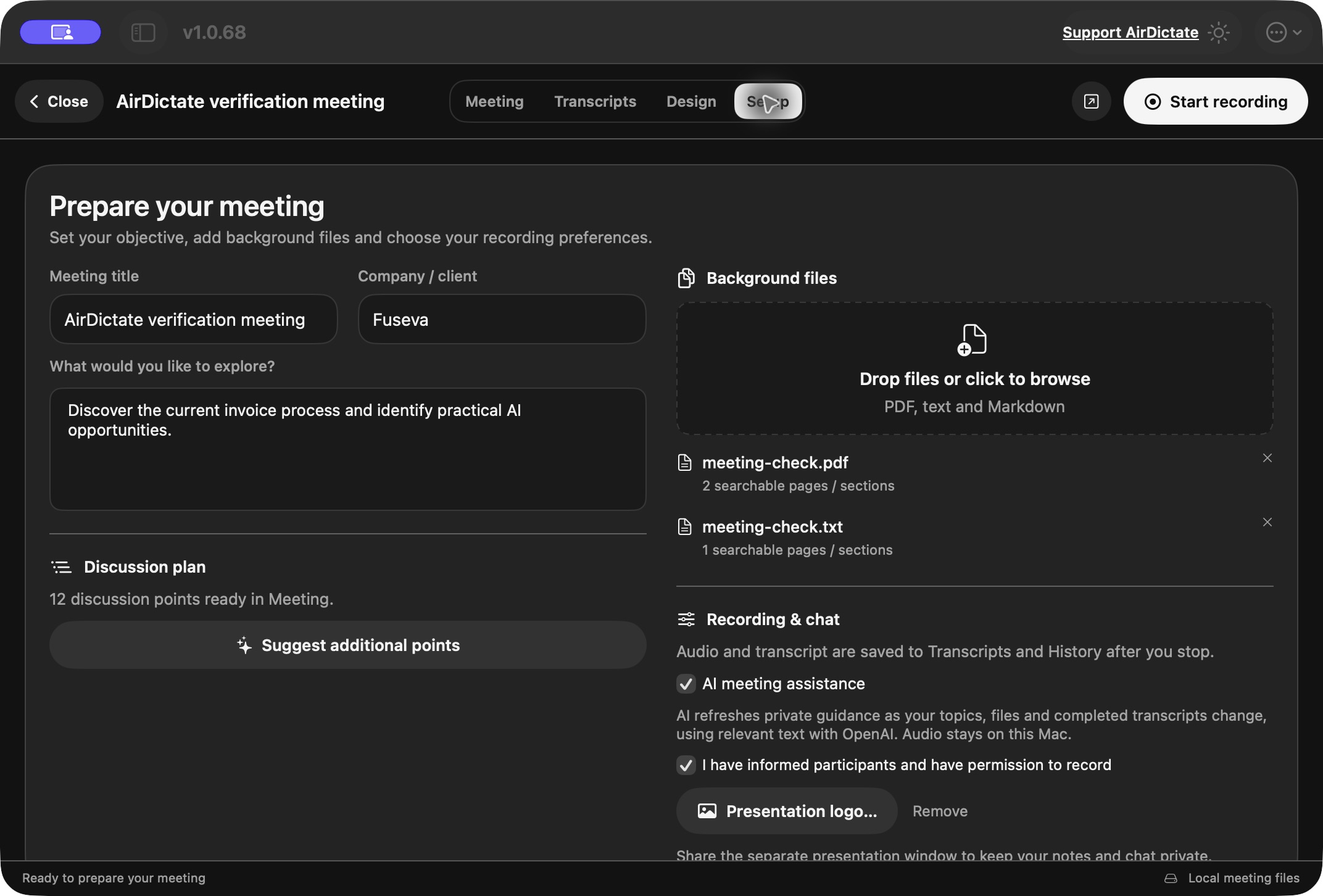
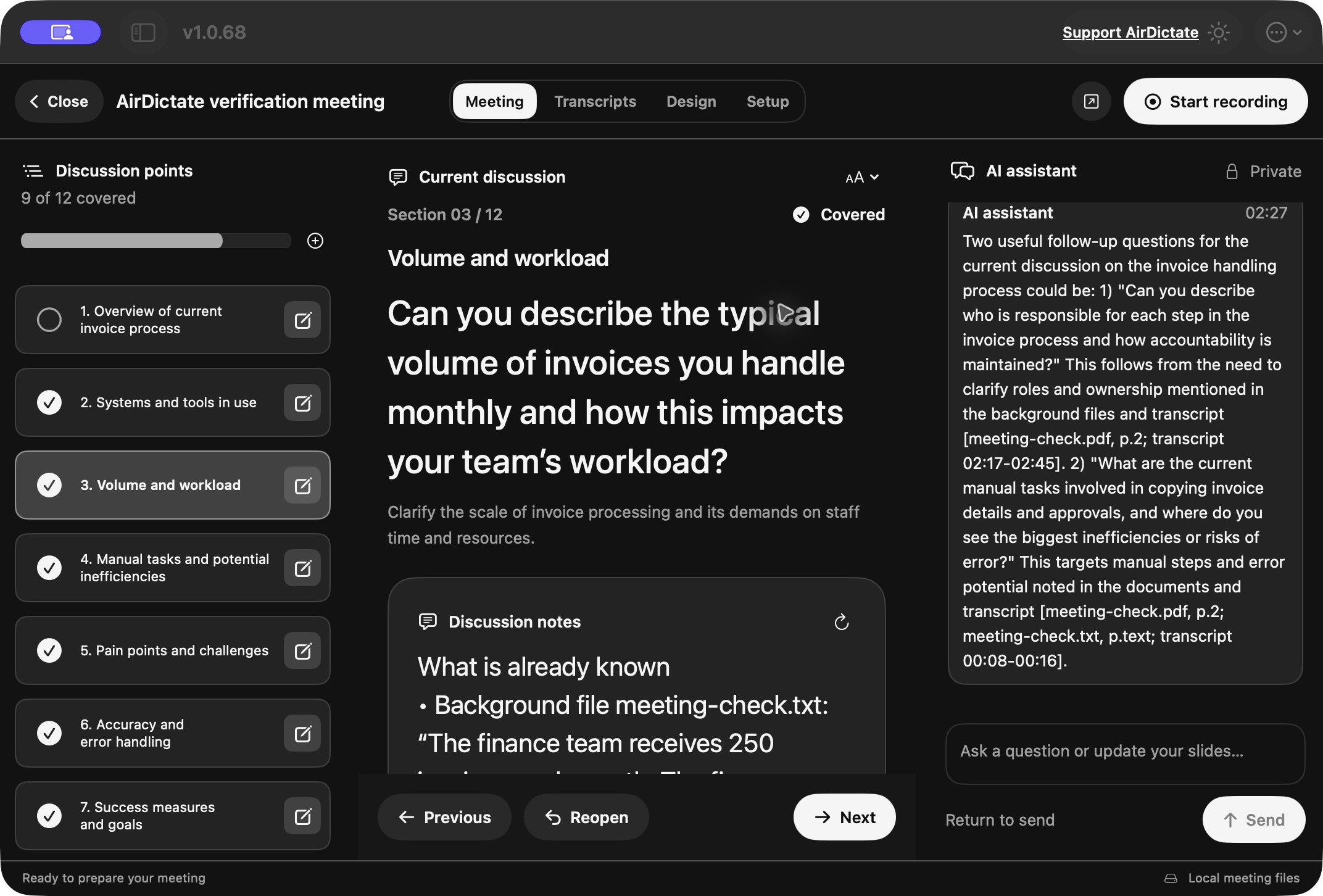
Start with an objective and background documents, then build your discussion plan. Use questions or headlines, mark points covered and add private notes. Get private AI guidance from your topics, documents and completed transcripts. Ask for context or explicit edits, additions and reordering, with Undo.
 View in the app ↗
Audio & video import
Give existing audio a voice.
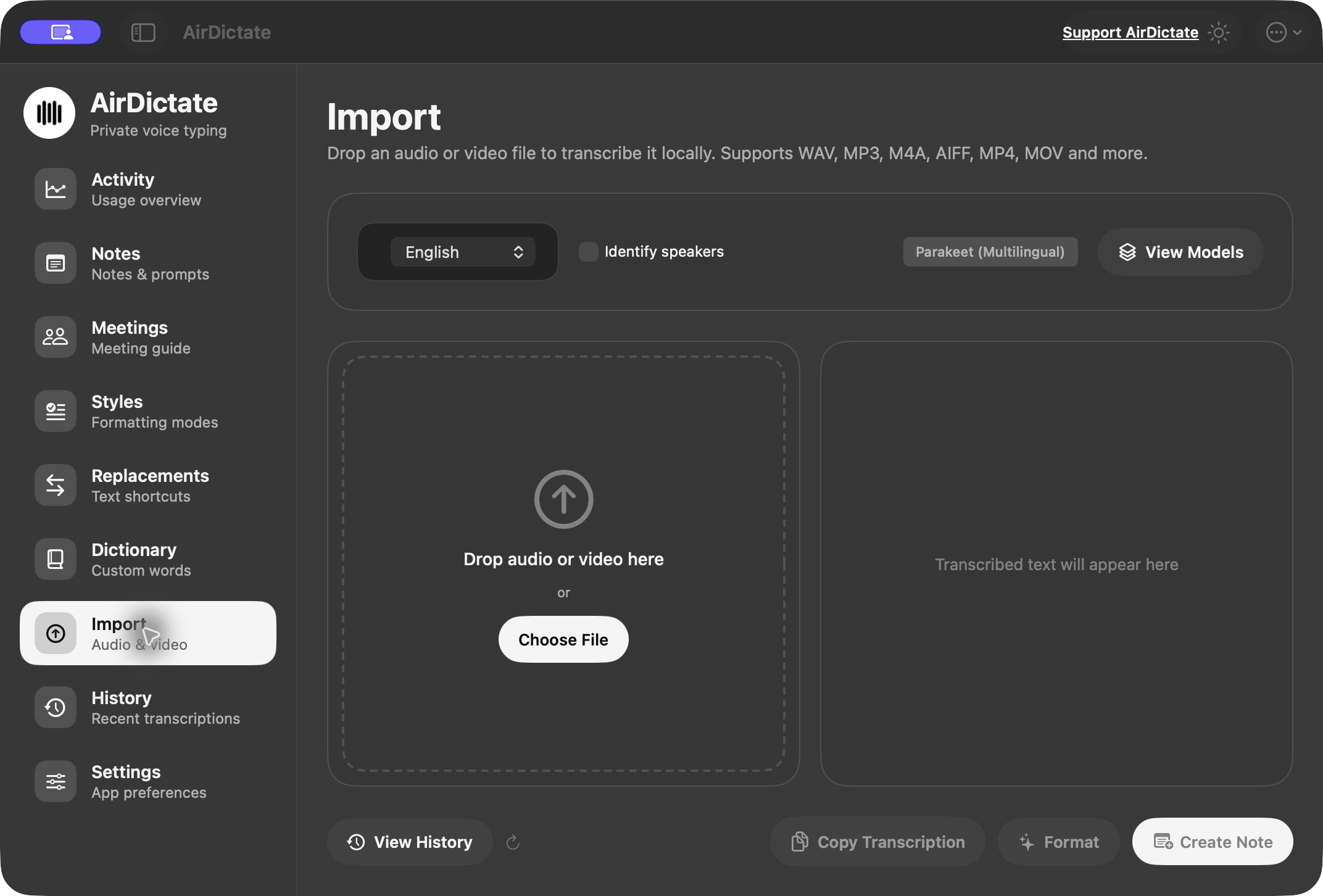
Drop in WAV, MP3, M4A, AIFF, MP4, MOV and other supported files for local transcription. Optionally identify speakers on Apple silicon, copy the result, create a note or use OpenAI formatting. Audio and text are saved in History.
 View in the app ↗
Presentation design
Make the meeting yours.
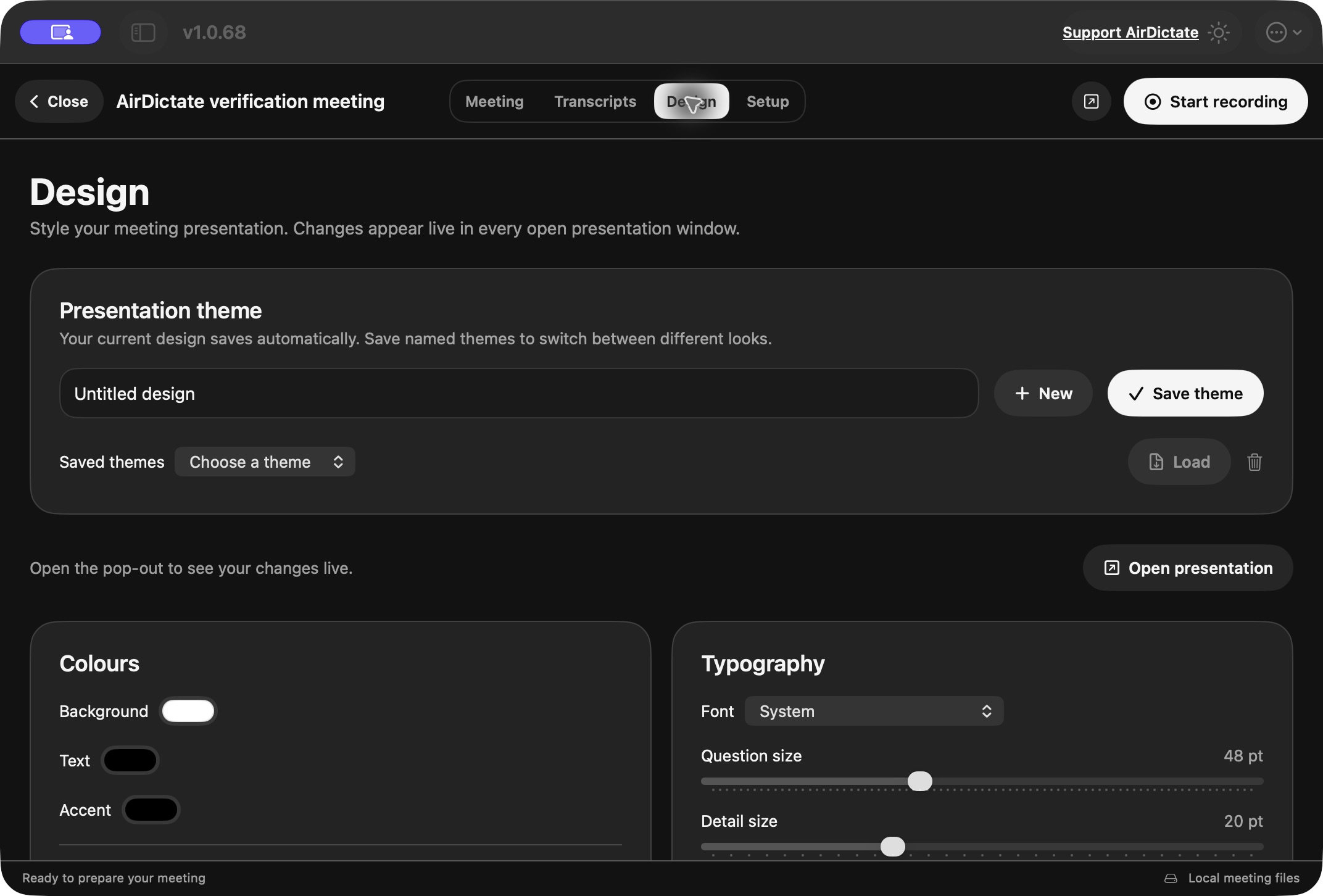
Open a separate presentation window with your public discussion content. Save visual themes, add a logo or background, and adjust colours, fonts, alignment, spacing, progress and navigation. Private notes and chat stay in your workspace.
 View in the app ↗
Custom dictionary
Get the little details right.
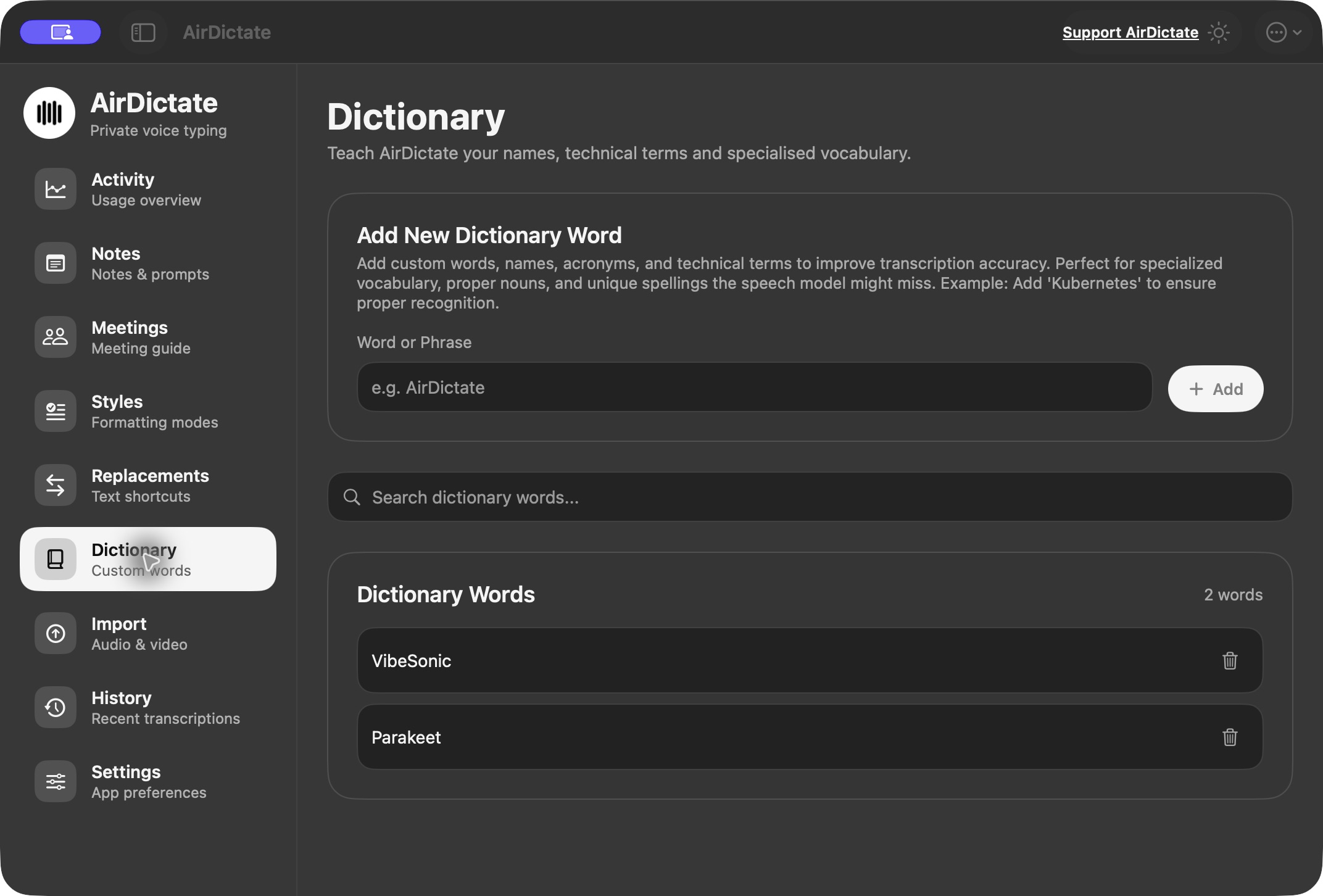
Keep your own names, specialist terms and phrases in a searchable, editable dictionary. Parakeet results use dictionary-based correction after transcription; adding words does not train the speech model.
 View in the app ↗
Text replacements
Say less. Write what you need.
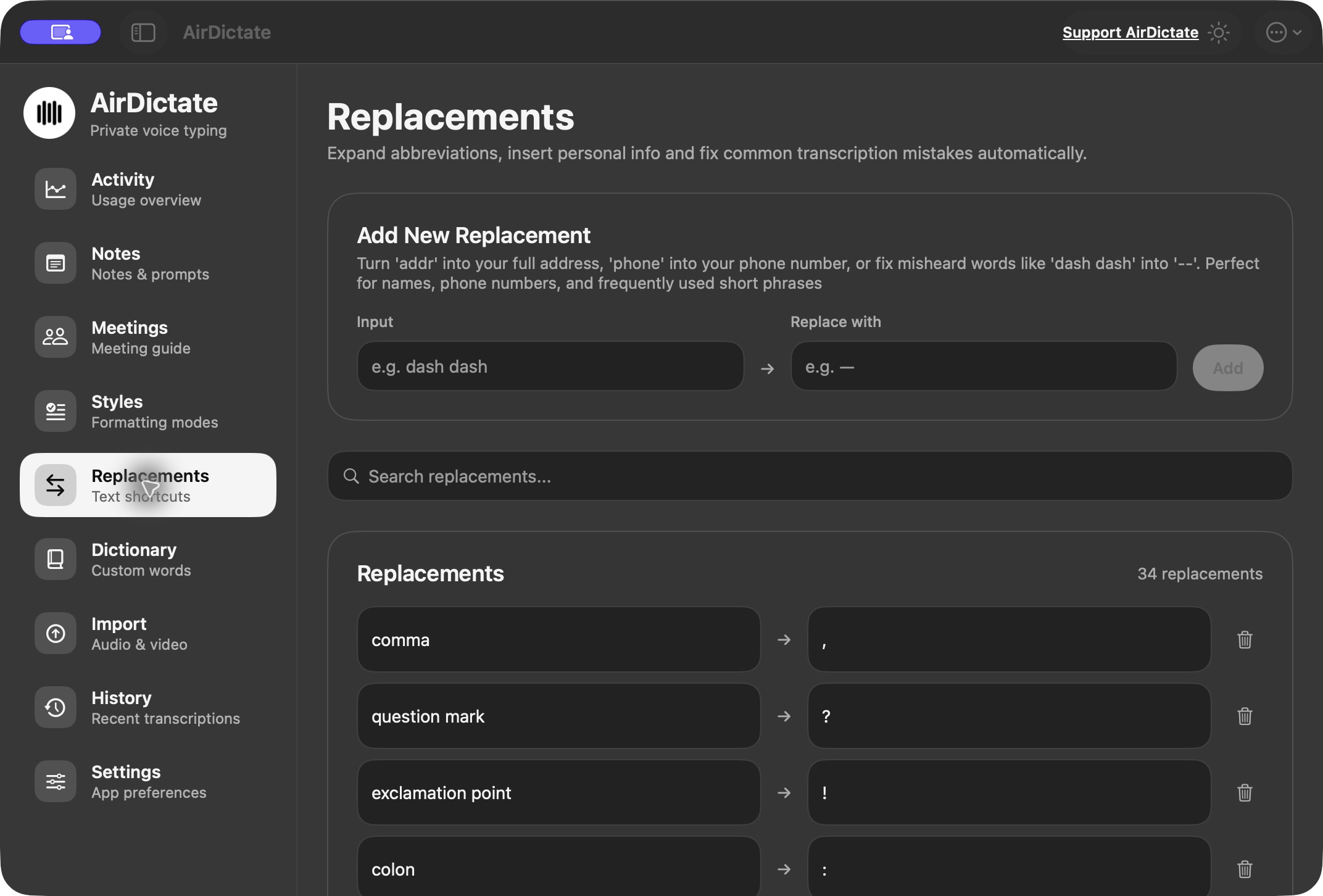
Turn an abbreviation into a full phrase, a spoken cue into punctuation, or a short trigger into a personal snippet. Edit and search your input-to-replacement rules in one place.
 View in the app ↗
Transcript & audio history
Find it. Copy it. Hear it again.
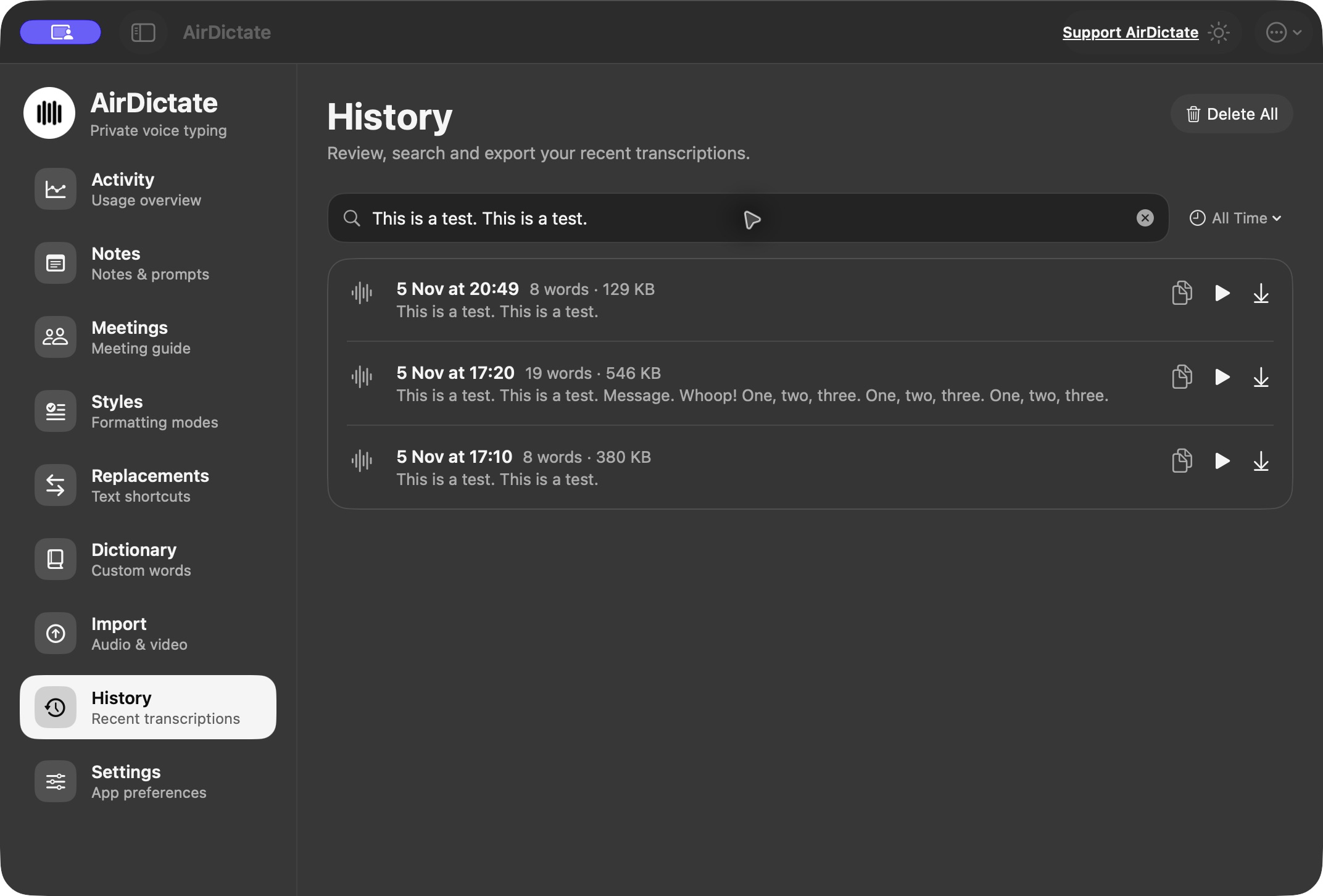
Search dated transcripts, filter by time and select or copy your text. Replay saved audio and download the recording from the same row. Keep the original words within reach.
 View in the app ↗
Activity overview
See the work adding up.
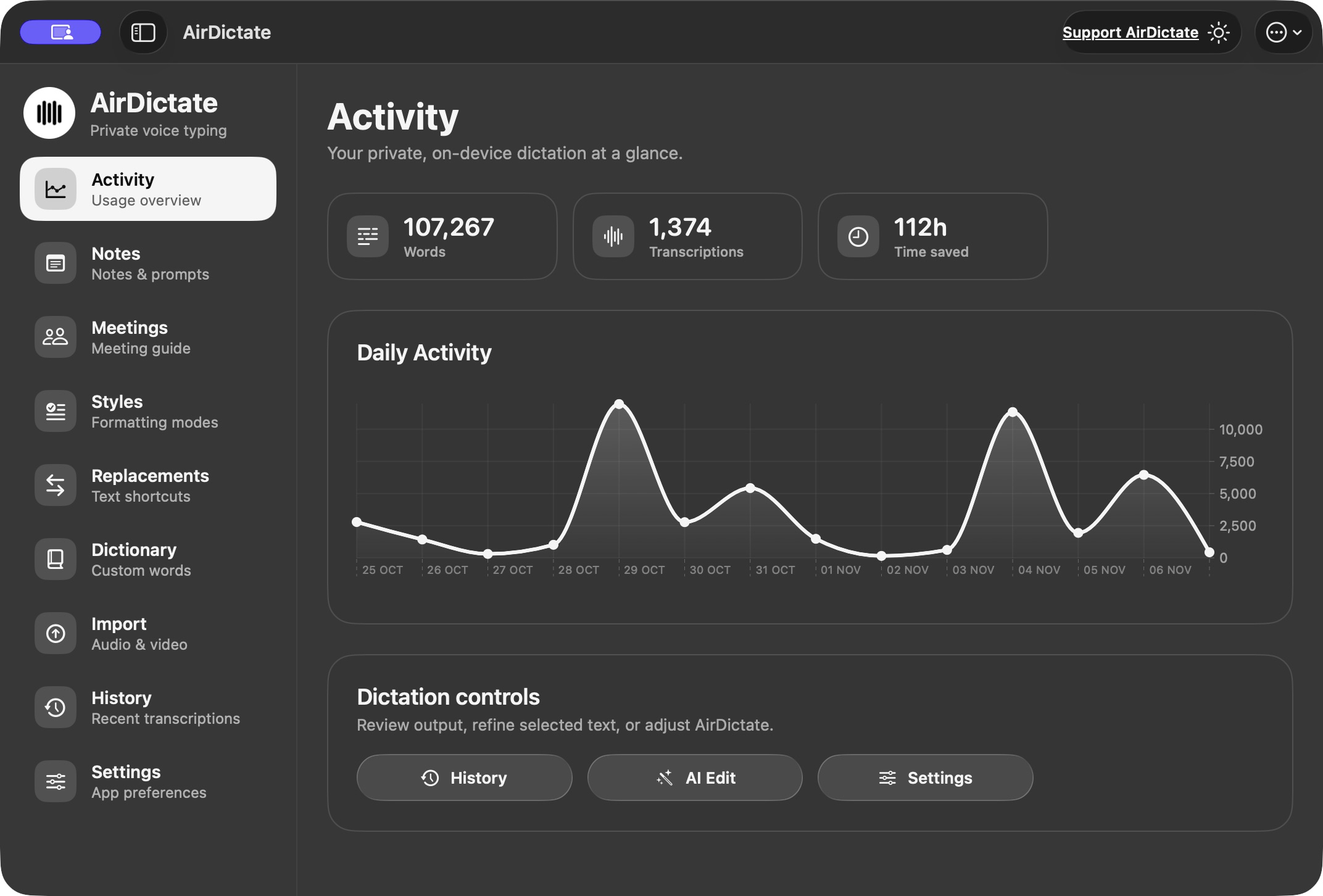
See word and transcription counts, estimated typing time saved, and a daily activity graph. A simple overview of your own usage, with quick access to History, AI Edit and Settings.
 View in the app ↗
Shortcuts & preferences
Fit your way of working.
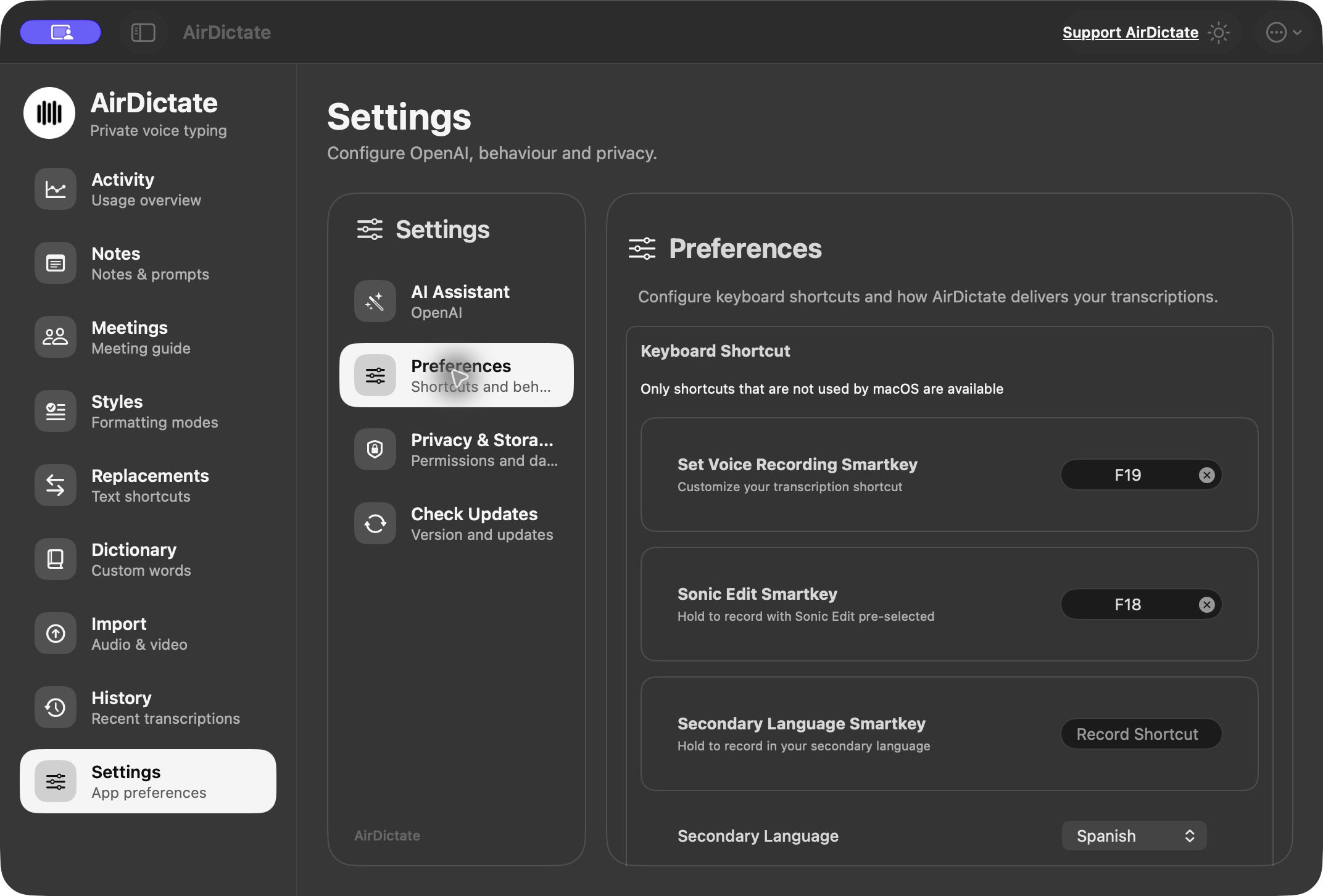
Configure recording, AI Edit and secondary-language shortcuts. Choose whether to keep inserted text on the clipboard, keep AirDictate in the menu bar while hiding its Dock icon, and decide whether it opens at login.
View in the app ↗
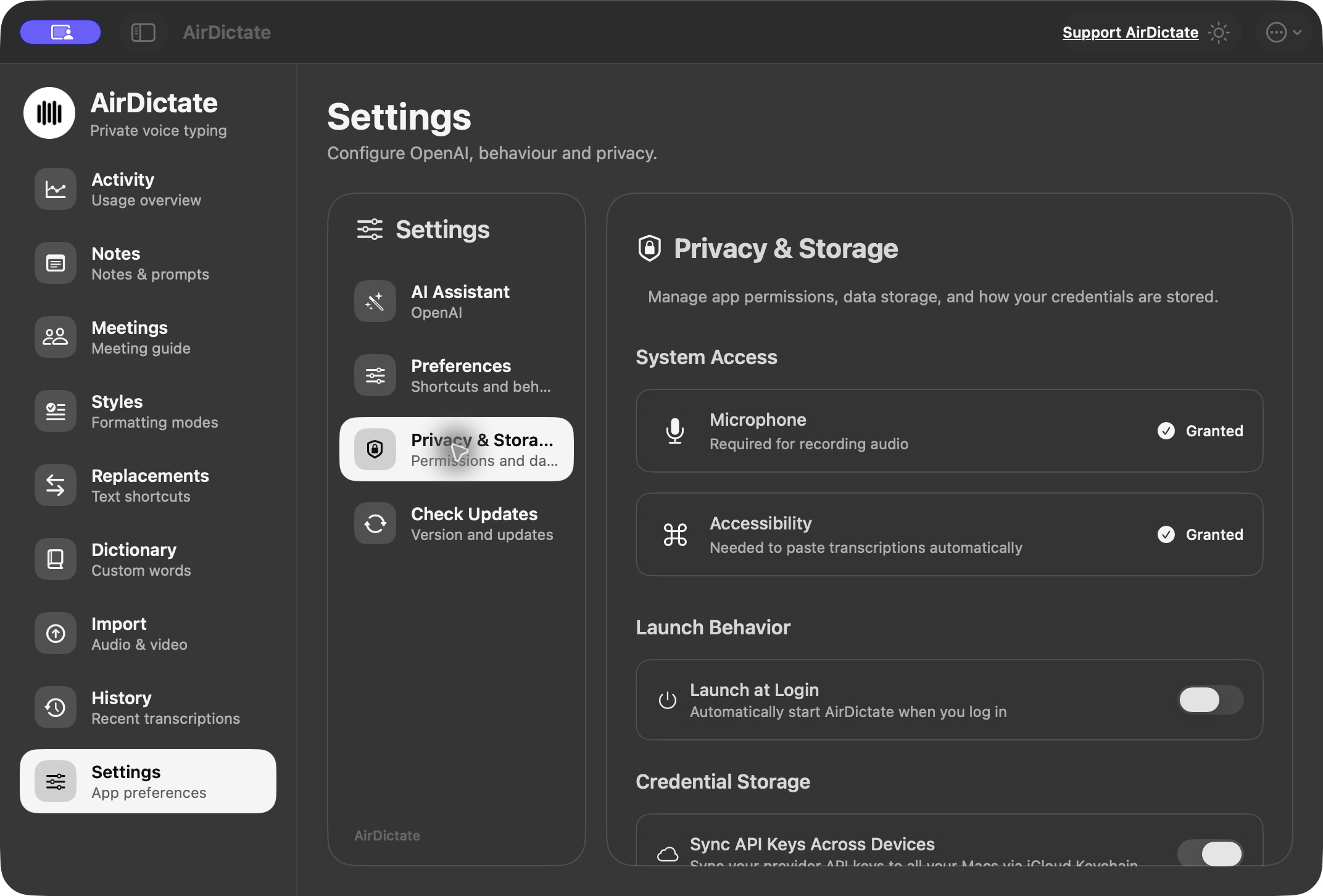
Privacy & storage controls
Stay in control of the details.
Manage microphone and Accessibility permissions, local recording retention and anonymous usage statistics. API keys are stored in Keychain, with optional iCloud key synchronisation. Local dictation and optional cloud AI stay distinct.
 View in the app ↗